Hybrid storage
SQLite for auth, sessions, and the audit log. Flat JSON files for every component, template, and piece of content. Version your content with git; deploy by copying a folder.

A Pivot Labworks Product
Pivot CMS lets you write real TSX components, ship A/B variants, and store every piece of content as portable JSON. Self-hosted in one command. Free for solo makers, one-time license to unlock your team.
Built for the developer
Real components, real code, real ownership. No proprietary field DSL, no plugin marketplace tax, no black-box renderer.
Every component is a folder on disk — a
definition.json describing its fields and
one or more Component.tsx variants. The
editor compiles each variant on save and serves the
right one at render time. Swap variants from the page
builder to A/B test without touching code.
.pcms-{slug}--{variant}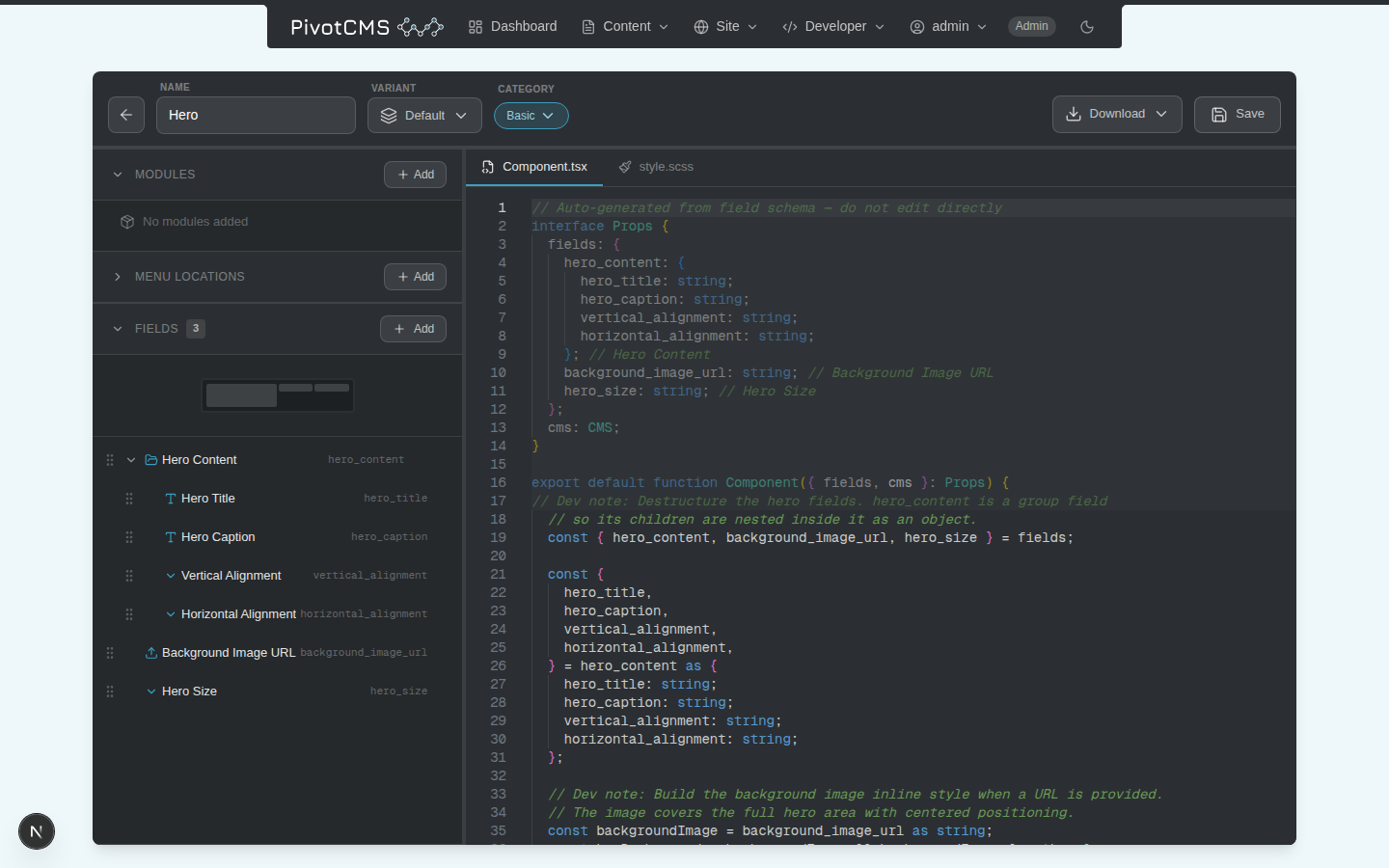
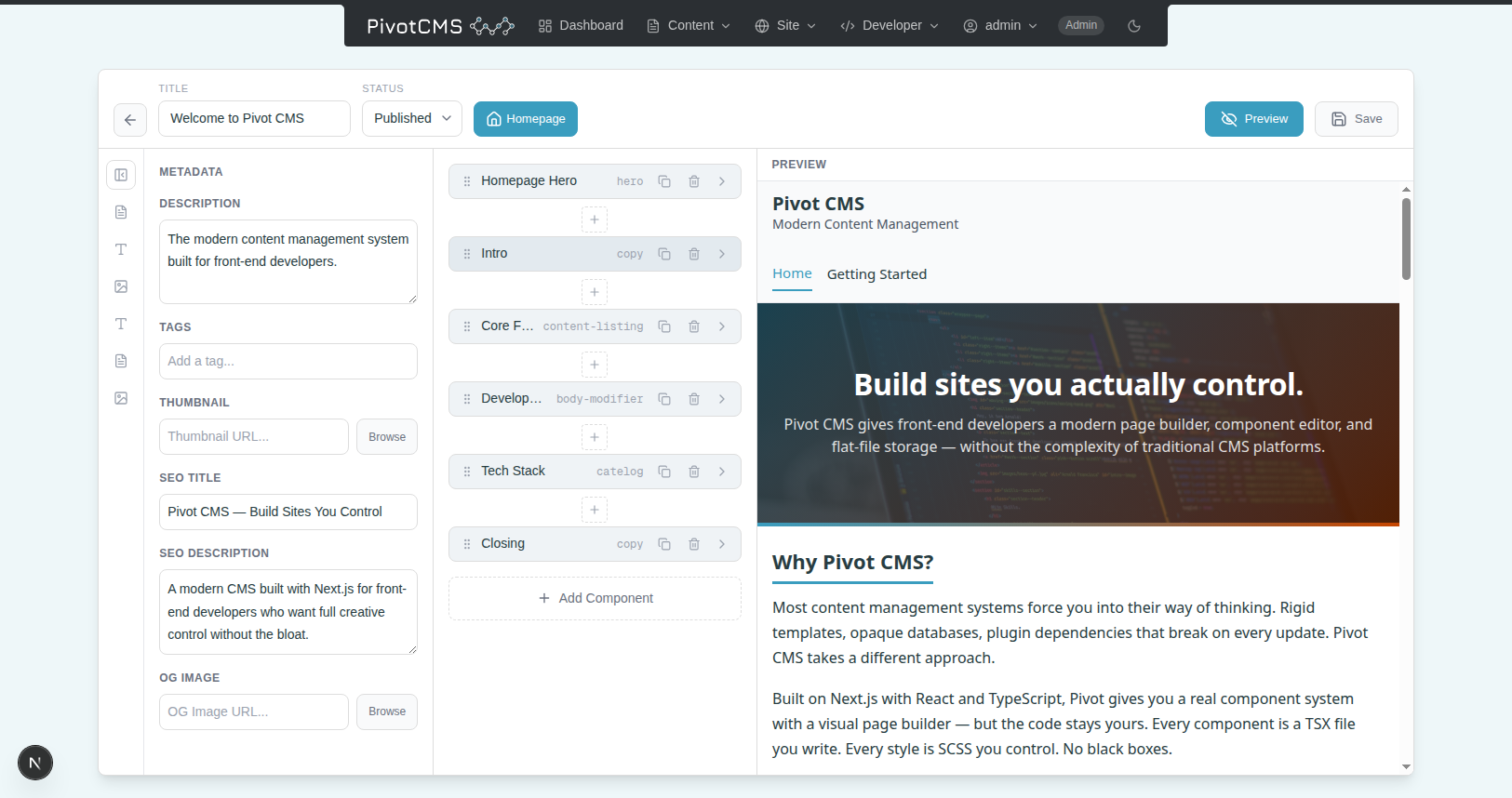
Drag-and-drop content blocks, inline preview, full SEO sidebar, and a live preview API that renders the unsaved editor state. Built on @dnd-kit; powered by your TSX, so what they see is what you ship.
Need a "related posts" feed, a custom feed pull, a computed field? Write a module: a TypeScript function with full access to the CMS content API. Edit it inline in a Monaco editor with JSX syntax highlighting and TypeScript autocompletion.
.ts files — version with your repo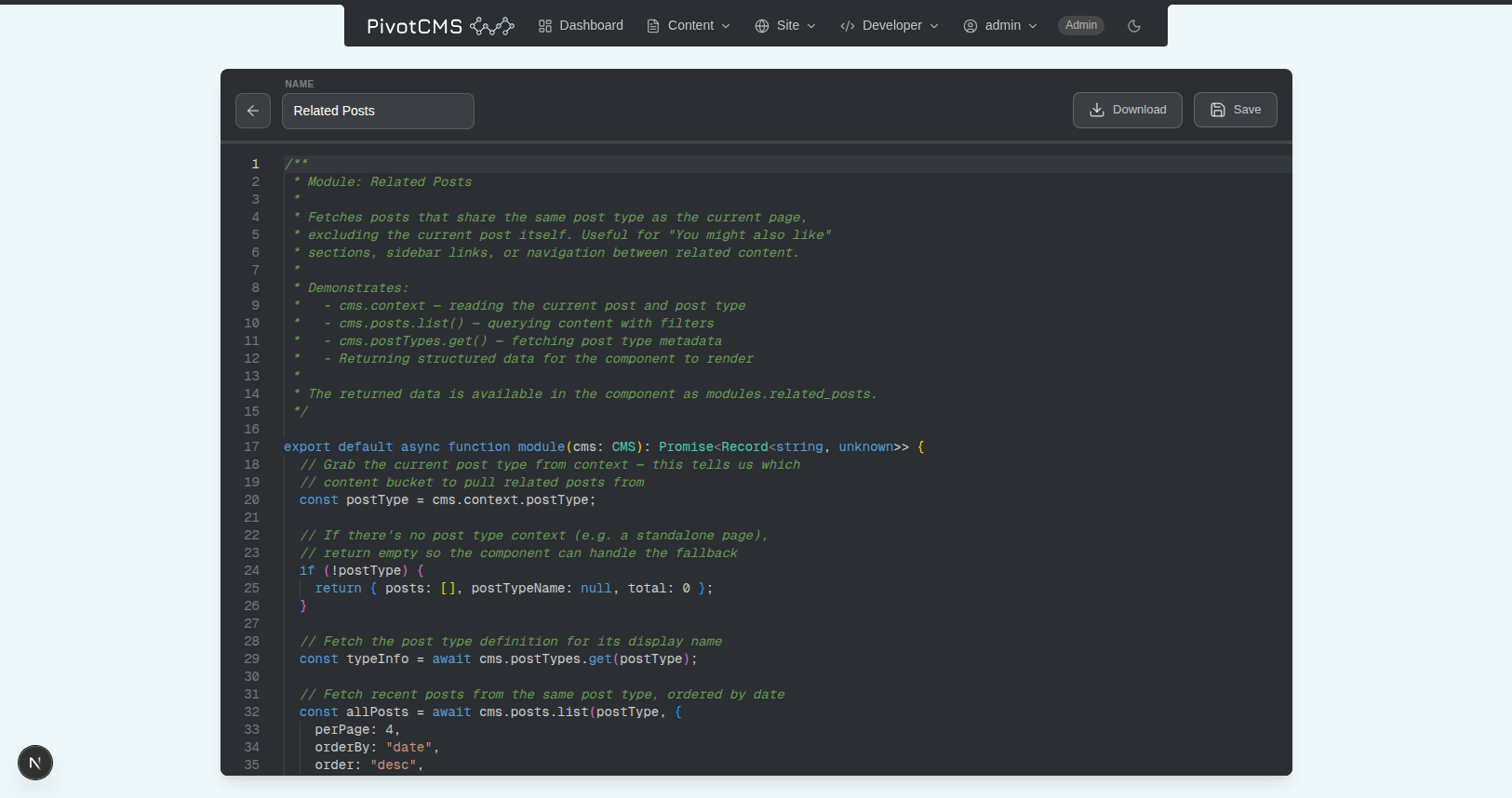
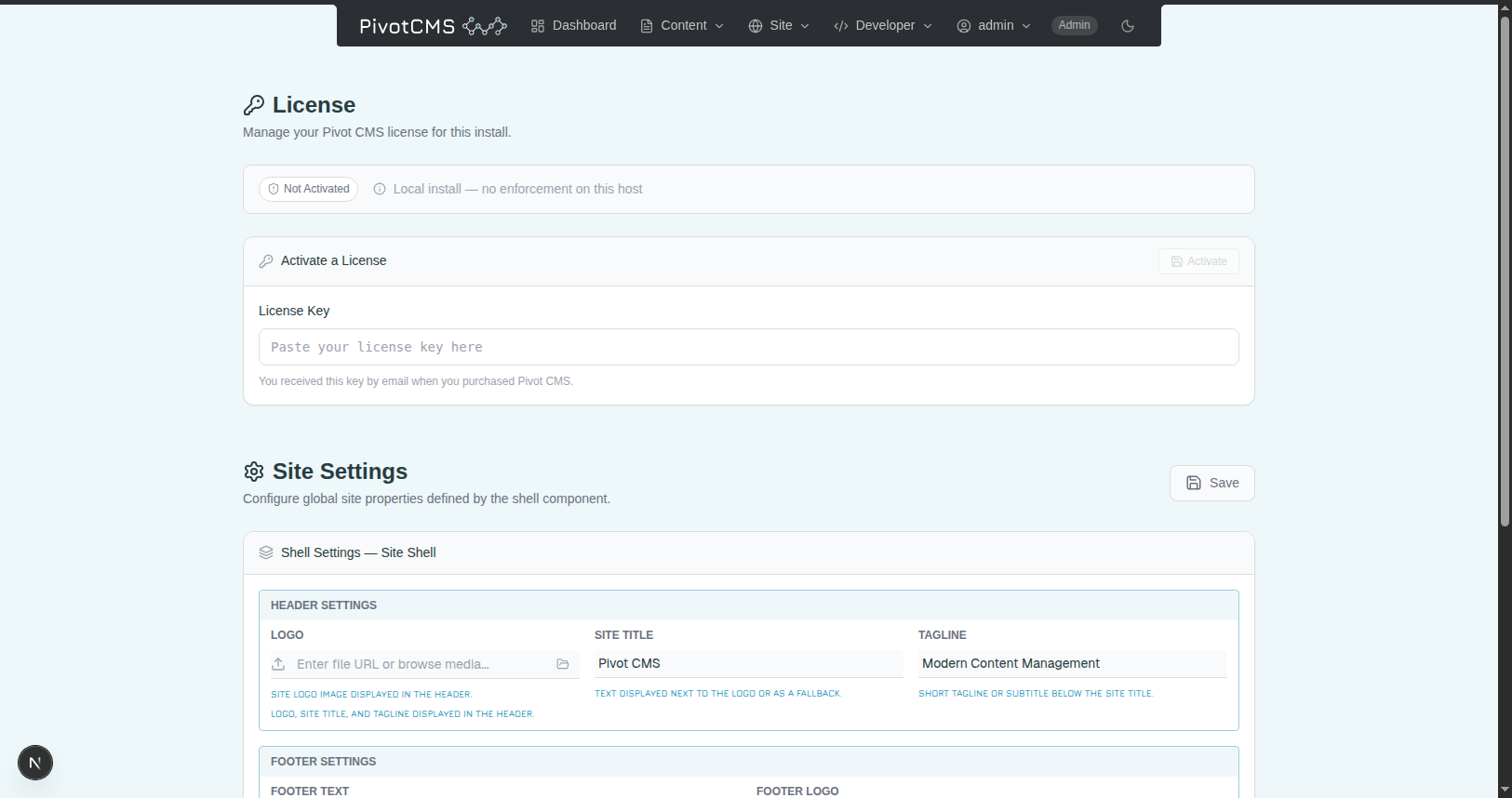
Developers configure the shell component, themes, fonts, and module wiring. Editors configure the content inside — logos, taglines, menu locations, license, brand colors. Each side gets the tools it wants, neither side steps on the other.
Architecture
Hybrid storage, no daemon, no plugin marketplace. Boots in seconds, ships in one command, and stays out of your way.
SQLite for auth, sessions, and the audit log. Flat JSON files for every component, template, and piece of content. Version your content with git; deploy by copying a folder.
npx pivot-cms downloads the package, runs the
setup wizard, and starts the server. No build step on your
side — the npm package ships a compiled Next.js
standalone server, ready to run.
Every piece of content lives on your server. The only network calls Pivot makes are a license check to LemonSqueezy and a version check to npm. Nothing else leaves your box. Ever.
Pricing
No subscriptions. No "per-seat" math. Pay once, own it forever within the major version — just like Kirby or Statamic.
Solo
The full CMS for one maker, on one site.
No card. No trial. No expiry.
Pro Founder pricing
Unlock the team. Drop the footer. Own every v1.x update.
$149 founder pricing — goes to $199 after launch. v1 license covers every v1.x.x release.
FAQ
No. Pivot CMS is one-time, per site. Your v1 license covers every v1.x.x release forever — no annual renewal for updates. When v2 launches, it's a separate license, but you're never forced to upgrade.
One activated license per public deployment. You can run Pivot on as many local or staging environments as you want — they're automatically exempt. The license only activates when the CMS is served on a public domain.
Only two things: a license activation/validation call to LemonSqueezy (when you activate or every ~1h), and an npm registry version check (cached 1h, used for the update banner). Your content, your users, and your audit logs never leave your box. See the privacy policy for full details.
Yes — 14 days, no questions, as long as you can deactivate the license. License deactivation is one click in the admin settings panel and frees the activation slot immediately.
Yes. Deactivate it on the old site (one click in Settings → License) and activate it on the new one. There's no lockout, no cooling-off, and no support ticket required.
Pivot CMS is distributed as a compiled npm package under a commercial license — you don't recompile it yourself. The terms of the license are in the EULA.
On purpose. Components, variants, modules, mixins, templates, and shell config are the reason a React developer would pick Pivot — gating them would kill the funnel. The Pro license gates team features and white-labeling, never creative power.
Pivot CMS is free to install and free to run for one user forever. When you're ready to onboard your team or white-label your install, one click unlocks Pro.